常见问题
🌐 Common Issues
Codesandbox 预览
🌐 Codesandbox Preview
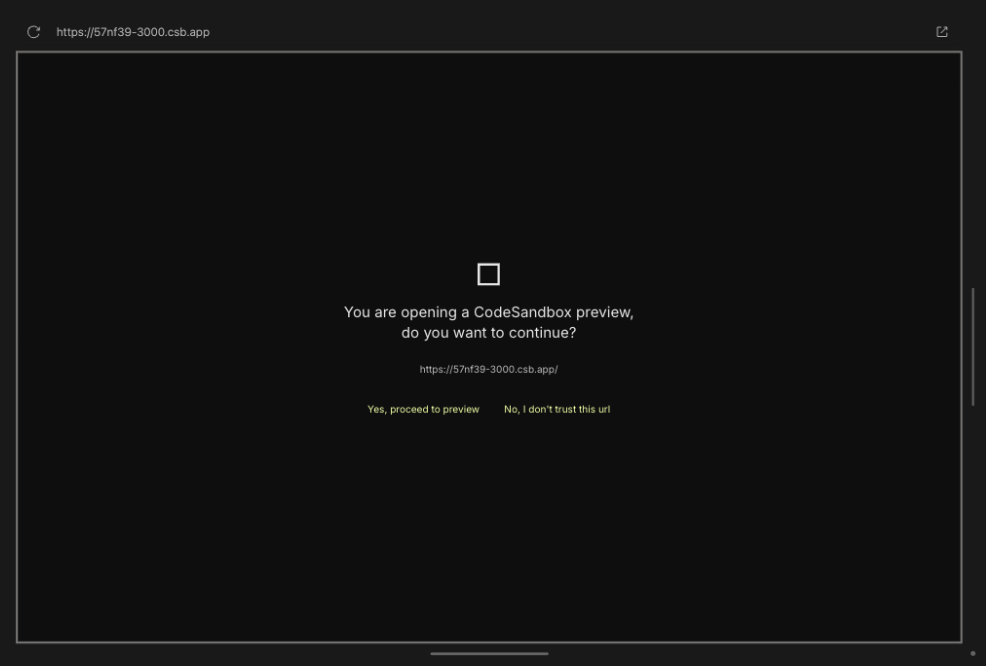
Codesandbox 可能会要求你确认以继续。你可以在 onlook 中切换到预览模式,然后点击“是,继续预览”链接,再切换回去。之后,界面应该会在 iframe 内正确渲染。
🌐 Codesandbox may ask you to confirm to proceed. You can click the button by switching to Preview mode in onlook, and click the "Yes, proceed to preview" link and switch back. The UI should render properly inside the iframe after that.

身份验证问题
🌐 Authentication Issues
如果你在重新加载页面时遇到问题并且未认证,请检查你的节点版本,安装较新的版本,重新安装依赖并重启项目。建议使用最低版本 v20.16.0 或最新版本。
🌐 If you encounter issues with reloading pages and being unauthenticated then check your node version, install a more recent version, re-install dependencies and restart the project.
Minimum version v20.16.0 or latest is recommended.
避免使用 Node 的 v20.11.0 版本,因为它过去曾出现过此问题。
🌐 Avoid version v20.11.0 of Node as it has shown this issue in the past.
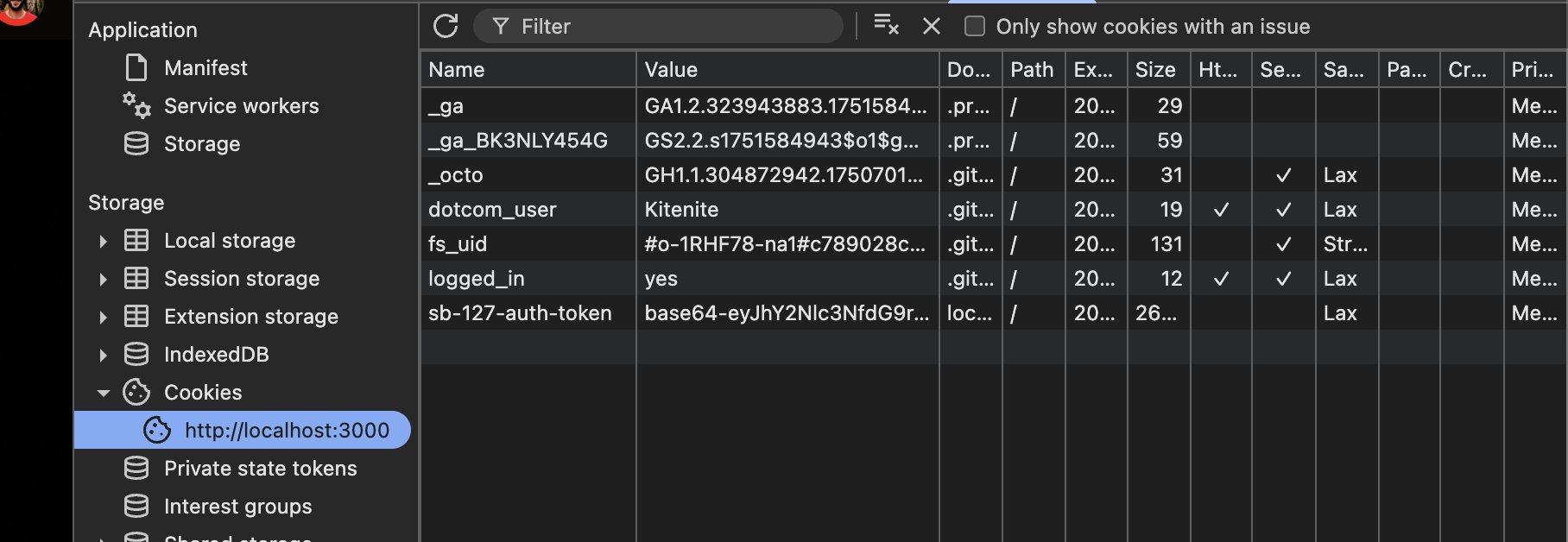
node --version你可能需要删除 cookies 来清除身份验证状态。
🌐 You may have to delete cookies to clear the authentication state.
“未找到列”错误
🌐 "Column not found" error
如果你遇到“未找到列”之类的问题,可能是你的数据库与架构不同步。有两件事可以尝试让它重新同步:
🌐 If you encounter issues such as "Column not found" error, your database may be out of sync with the schema. There are 2 things to try to get it back in sync:
- 运行
bun db:push将架构推送到数据库。如果出现冲突,可以尝试步骤2。 - 运行
bun db:reset来完全重置数据库并重新执行迁移。警告:这将删除数据库中的所有数据。
测试预加载脚本
🌐 Testing the Preload Script
如果你想更新预加载脚本并使用 Onlook 测试它,请按照以下步骤操作:
🌐 If you want to update the preload script and test it with Onlook, follow these steps:
- 从项目根目录运行 bun
bun run dev。 - 将文件
apps/web/client/public/onlook-preload-script.js复制到 onlook 或 codesandbox 界面代码标签中的public/onlook-preload-script.js。 - 刷新本地主机标签页。现在你应该可以测试预加载脚本了。
如果你想更新预加载脚本并测试任何更改,你需要刷新本地主机标签页。
🌐 If you want to update the preload script and test any changes, you need to refresh the localhost tab.